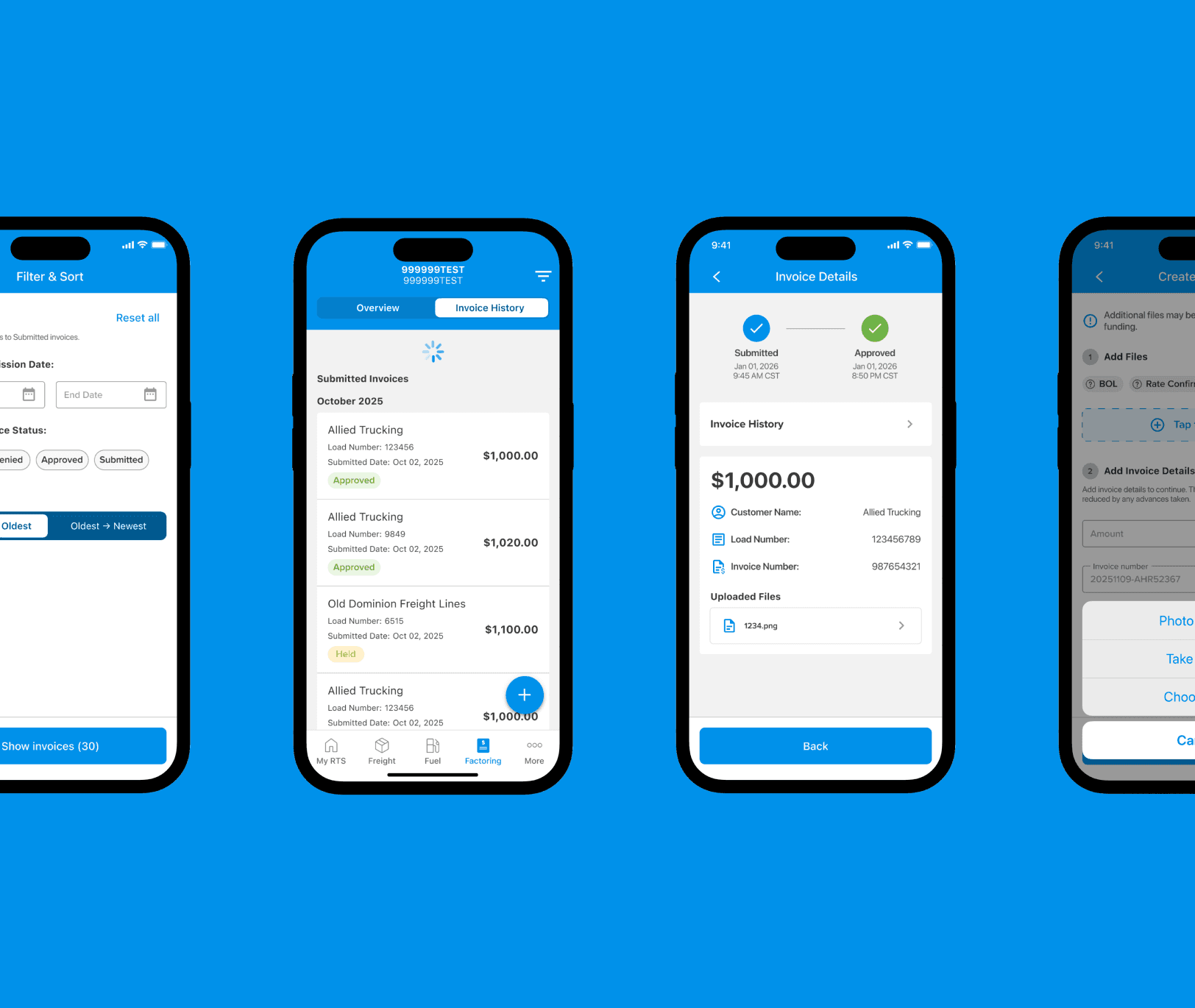
At a Glance
Problem: Mobile invoice submission was slow and error-prone, especially for drivers working under time pressure and unreliable connectivity.
Role: Senior UX Designer
Scope: Mobile invoice creation, validation, review, submission, drafts, and invoice history.
Outcome: Faster invoice submission, fewer errors, and improved confidence for users submitting invoices on the go.
Why This Work Existed
This work began as an effort to improve internal QA and auditing workflows, but it quickly surfaced a larger issue. Invoice submission on mobile wasn’t designed for how people actually use it.
Drivers were often creating invoices between stops, on unstable connections, or while multitasking. The existing experience assumed focus, time, and ideal conditions, none of which reflected reality. As a result, invoices took longer to submit, errors increased, and confidence in the process eroded.
Designing for the Entire Workflow
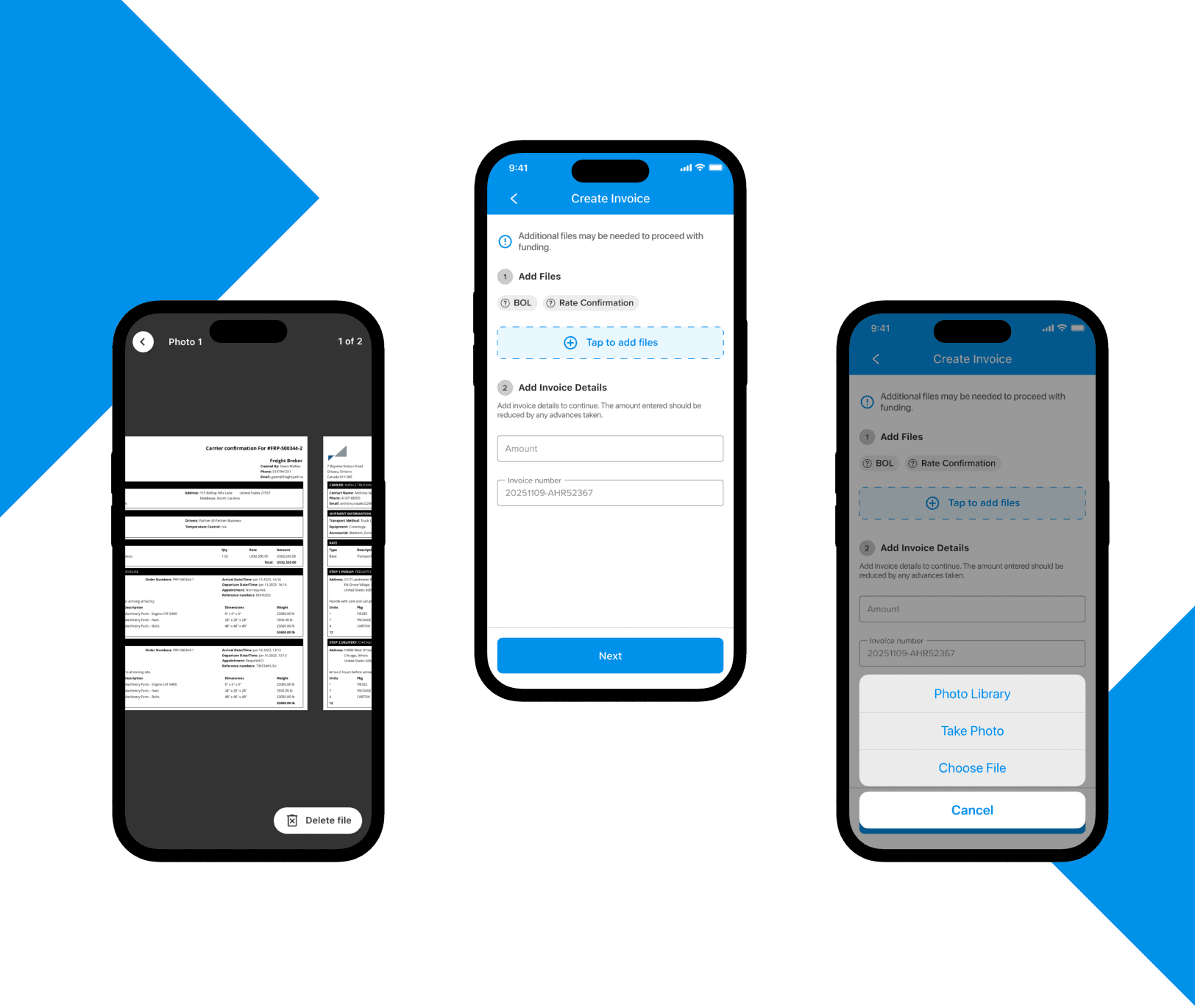
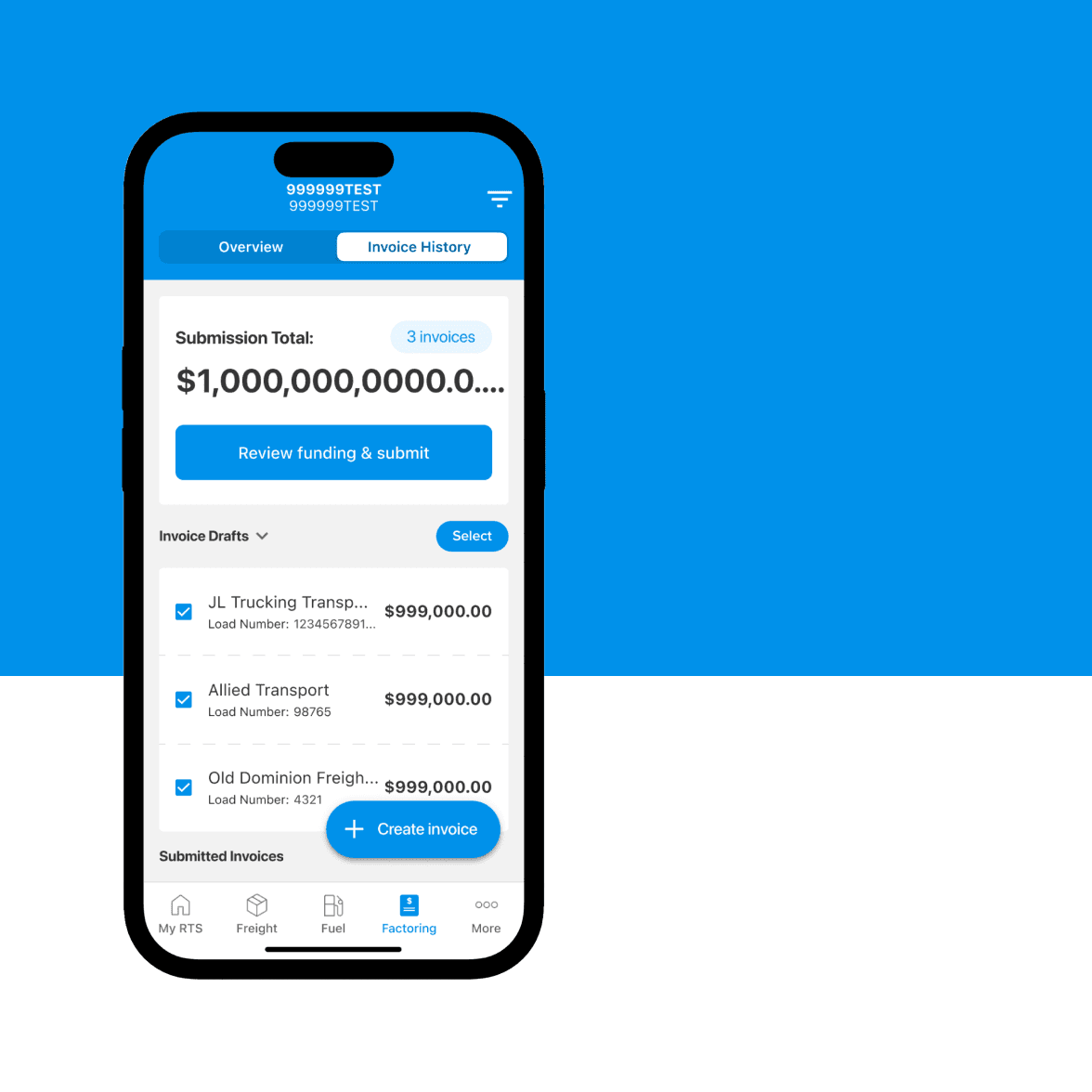
Invoice submission wasn’t a single moment; it was a workflow. Creation, validation, review, and submission often happened across short, interrupted sessions. Designing only for the final submit action would have ignored where most friction actually occurred.
Feedback and Validation on Mobile
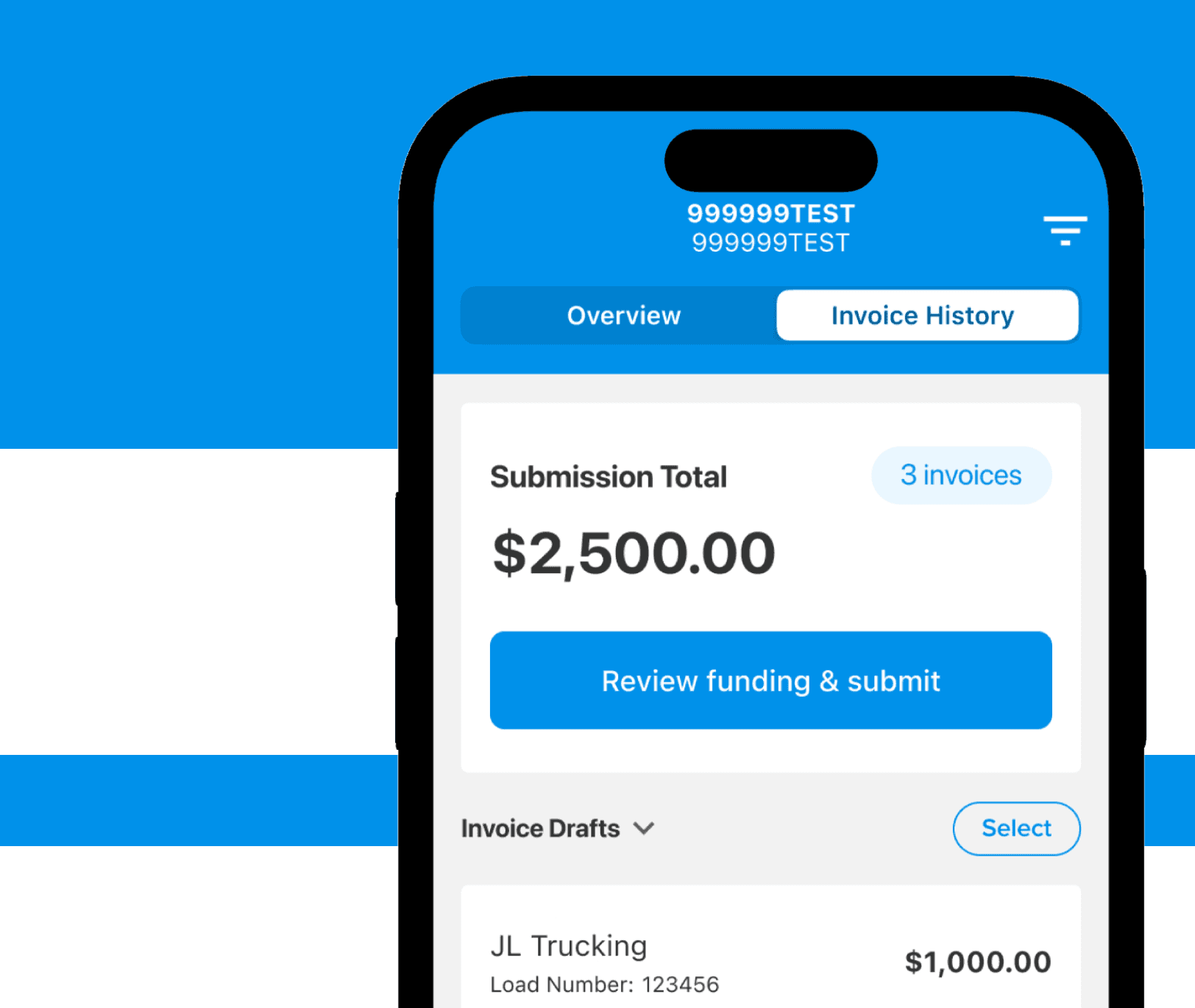
Feedback and validation were introduced throughout the flow instead of being pushed to the end. This made it easier to catch issues early and continue without unnecessary friction.
Funding Speed and Invoice History
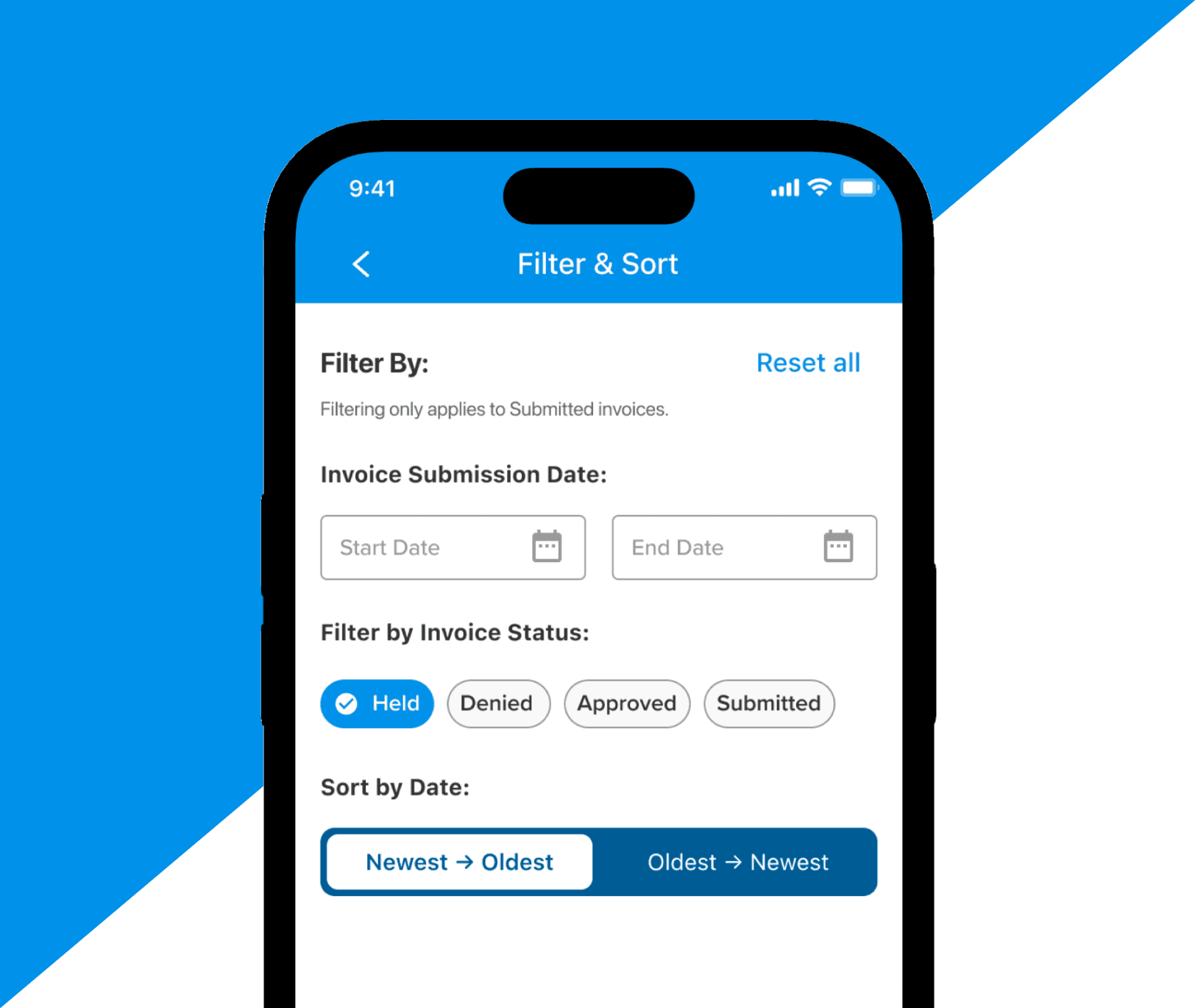
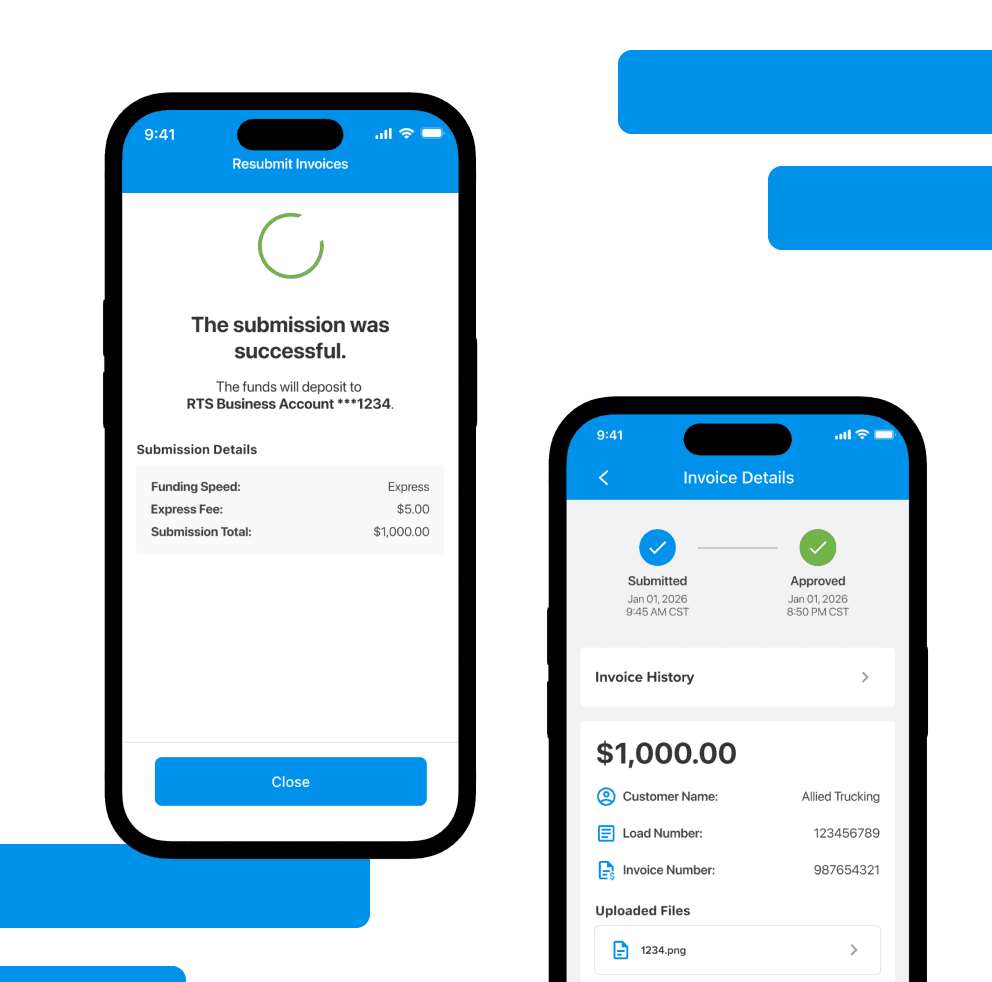
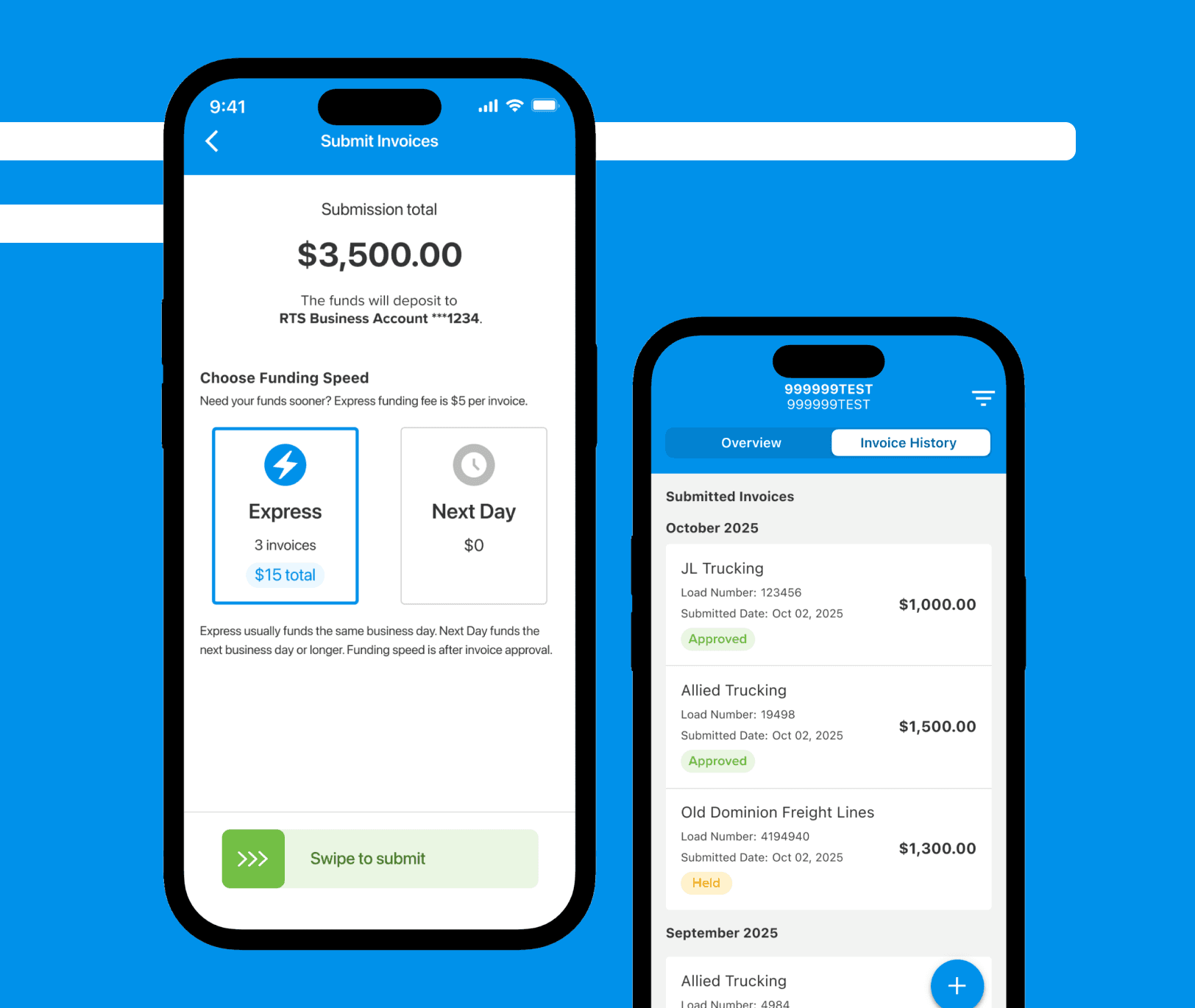
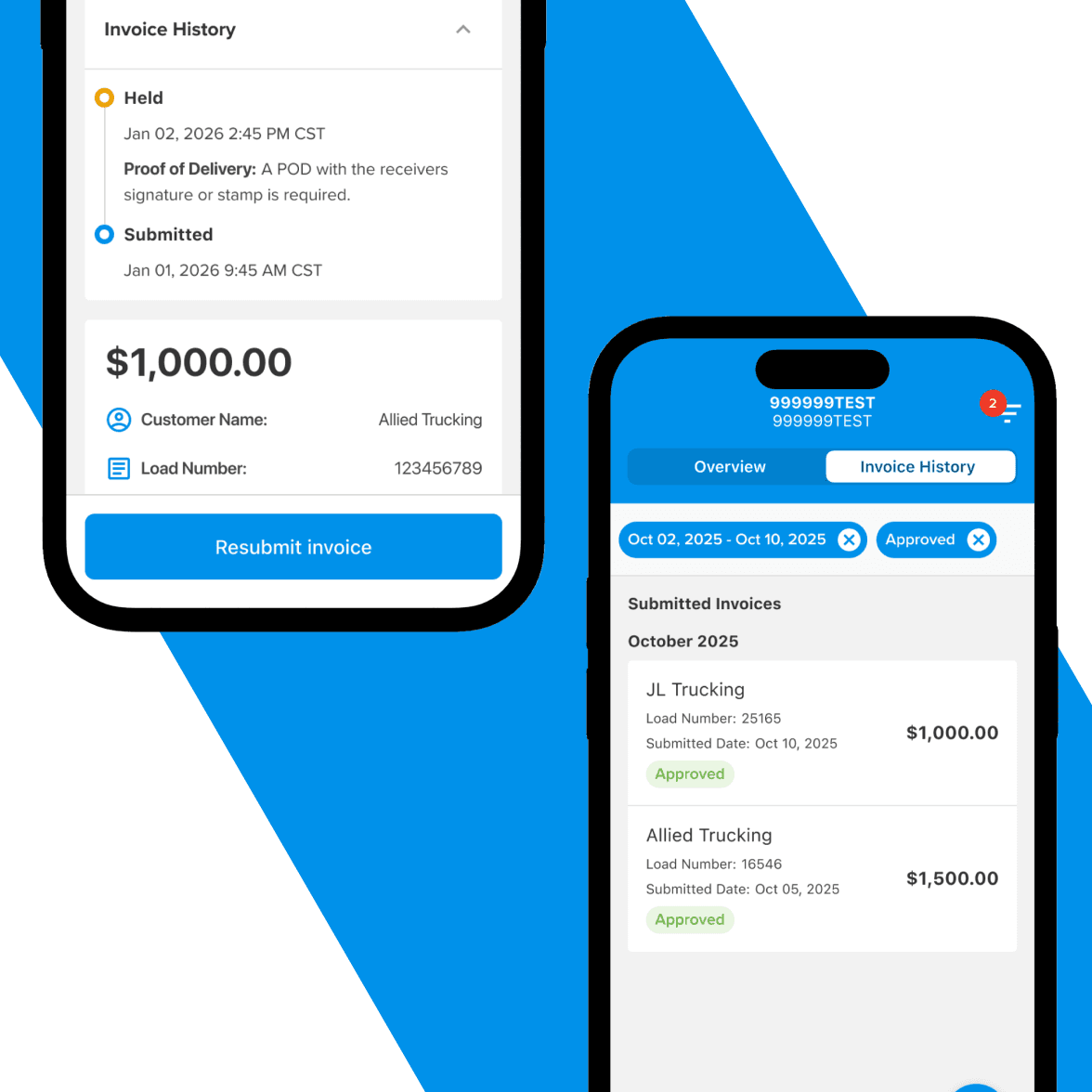
Users can choose funding speed at submission based on urgency and cost, giving them more control over how invoices are processed. Invoice history makes it easy to track status and understand what has been funded, held, or still needs attention.
Current State
This work is actively evolving. Core flows for upload, validation, drafting, and submission are in place, with refinements continuing as usage data and platform needs mature. Future iterations will focus on edge-case handling, performance improvements, and deeper reporting as real-world submission patterns emerge.